Finding Evan
In this adventure, you will investigate the disappearance of your Uncle Evan, who went missing just before your long awaited arrival at his home in Canada. Why has Evan gone AWOL and what are the mysterious goings on at the nearby ski resort of Ryan's Peak? Could the two be linked? Will you be able to find Evan before it's too late?
--> NEW: SMSQ/E version now available!
Playing this adventure game will involve exploring the area, examining it in as much detail as possible and collecting objects along the way that might come in useful. You will meet people who you can ask for help and get information to assist you on your quest.
Useful commands include:
TALK (to) someone
GIVE something (to someone)
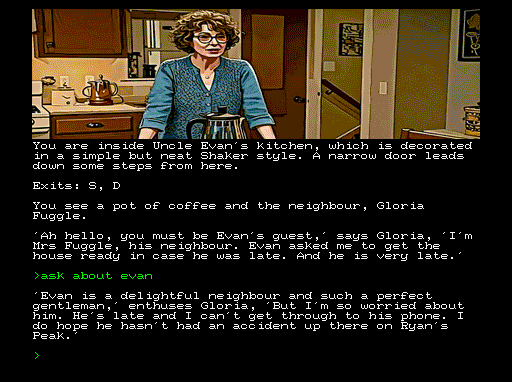
ASK (about) something (ASK about EVAN for example!)
ASK (for) HELP
It is possible to die in this game and some opportunities only open up once, so be sure to SAVE regularly. Use LOAD to get back to where you were before.
Cover Image:
Huge thanks to my friendly neighbourhood graphics designer, Kevin Rob Morris, for creating the wonderful cover image.
Game notes:
This is the first game I wrote after a 35-year hiatus. No, I wasn't in prison before you ask, that's another (unrelated) Alan Pemberton.
It was originally written using Sinclair QL SuperBASIC, and that version can be found on my QL Adventures website. I then decided to rewrite it as an exercise in using Adventuron. It was then exported to DAAD Ready format, edited further at that point, and compiled as a game for the Spectrum Next. You can find out more and follow Adventuron here. More on DAAD Ready here.
This involved some slight changes and simplifications to the game, with less character interaction, but I don't think it really suffers from that.
Having created the DAAD Ready code, I then decided to complete the circle and wrote a program to port that back to QL BASIC and end up with an alternative QL version. That version, which requires SMSQ/E and enhanced graphics, is now available to download. Hopefully it will be compatible with the updated QL core for the Spectrum Next, when that is finalised. For this version, I added (optional) sound effects and also ran the images through a "cartoonize" filter for a slightly different look.
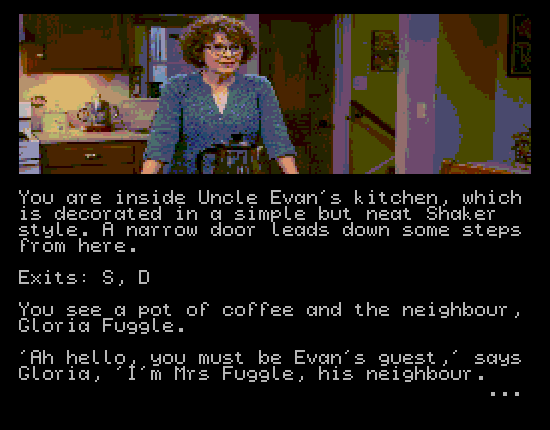
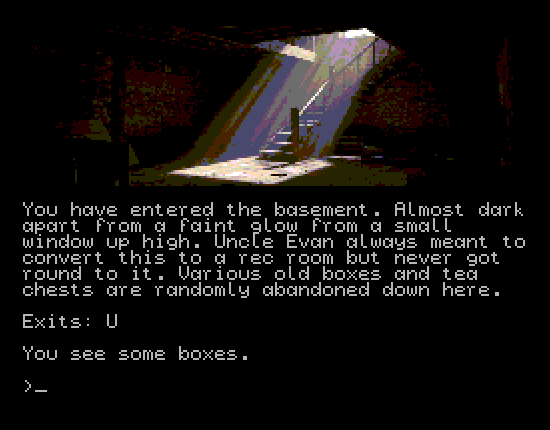
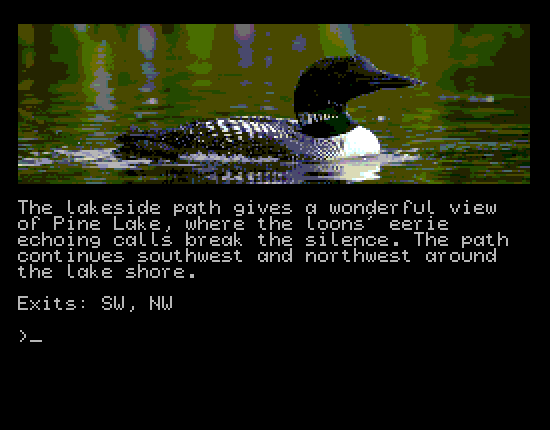
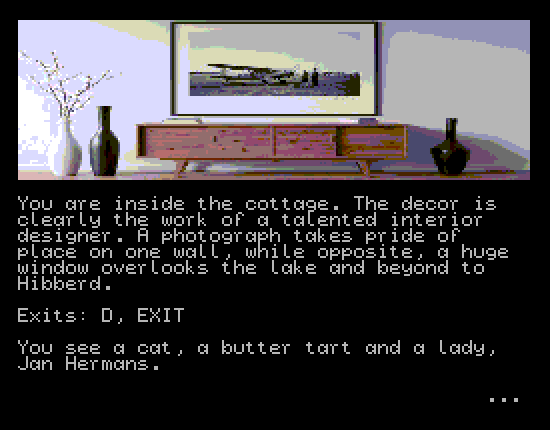
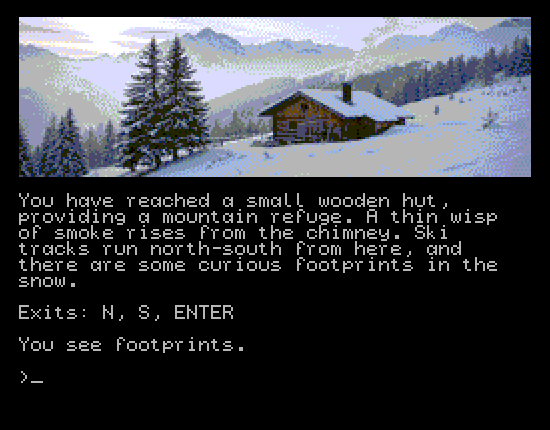
Speaking of the graphics, I made enthusiastic use of AI to create the location images. I think they work quite well, although some have suffered through resizing them down to 256 x 80 pixels for the Spectrum Next.
I have also uploaded the browser version of the game, but only with Spectrum quality graphics. Resize your window as appropriate to give the retro-style experience!
-> NEW QL Core-specific version!!!
This is kind of an experiment to use the "new" 256-colour mode of the QL core (2024 version). It makes use of the enhancements written by Simon Goodwin. Further enhancements are in the pipeline once the new version of the core is released later this year. I have only tried it out on my Xberry Pi. I would be interested to find out if it works on KS1 and KS2 Nexts...
AI declaration:
With the exception of the cover image (see above!), the graphics in this game are most definitely AI created, as I couldn't make anything near as good by myself. If that's a problem, you can try my Literal Magic game instead!
Download
Install instructions
Spectrum Next:
Unzip the folder, then drop it into your Spectrum Next SD card in the games\Next folder. To run the game, use the Browser on your Next to navigate into the FindingEvanNext folder. Scroll down to TEST.TAP and select that. The game will then run.
SMSQ/E:
Unzip the WIN file and attach it as win7_ in your QL compatible system (or emulator) running SMSQ/E. Start the game by typing "LRUN win7_boot". To move the game window, type MOVE WINDOW and use cursor keys (with CTRL +/- SHIFT to speed it up), then press ENTER when happy. The sound effects are OFF by default. To turn on the sound, type SOUND. To turn it off, type QUIET. Minimum requirements: 512 x 384 screen size @ 256 colours or higher.
Spectrum Next QL Core:
Unzip the folder. It contains the game in two formats: an ED disk image and a WIN file. There are instructions on how to install the ED image and associated boot file on your Next SD card. The WIN file is for those who prefer that format and already know what to do with it. Note: although the game is identical in both formats, the ED version is slower to load images first time (takes about a second). Once they are buffered, loading is much quicker.
Browser version:
Should just work. Best viewed on a phone!
Comments
Log in with itch.io to leave a comment.
Yes, the web version works, but I'm much more interested in running the game on Next. Thanks for the dedicated version for this wonderful computer.
You're welcome. Hope you like the game!
Alan